Best Anti-Detect Browsers for OnlyFans Agencies (2026)
One misconfigured profile can cascade a ban across your entire creator portfolio. This is a technical security audit · not a “top 10” list. We rank each browser by isolation quality, team workflow, and real OFM failure mode prevention.
If you’re searching for the best OnlyFans browser, what you actually want is an anti-detect browser: a tool that isolates each account in its own fingerprinted profile so the platform can’t link them.

with code ofmtools →

The Chain Ban Problem: Why Proxies Alone Aren’t Enough
Most OFM agencies understand that different creator accounts need different IP addresses. Fewer understand that IP isolation is only half the equation. OnlyFans · and every major platform with a multi-account detection system · tracks a second layer: the device fingerprint.
A device fingerprint is the unique combination of signals that a browser emits. These signals are independent of your IP address. Even with a perfect residential ISP proxy on every creator account, if those accounts share a device, the fingerprint signals connect them at the platform level.
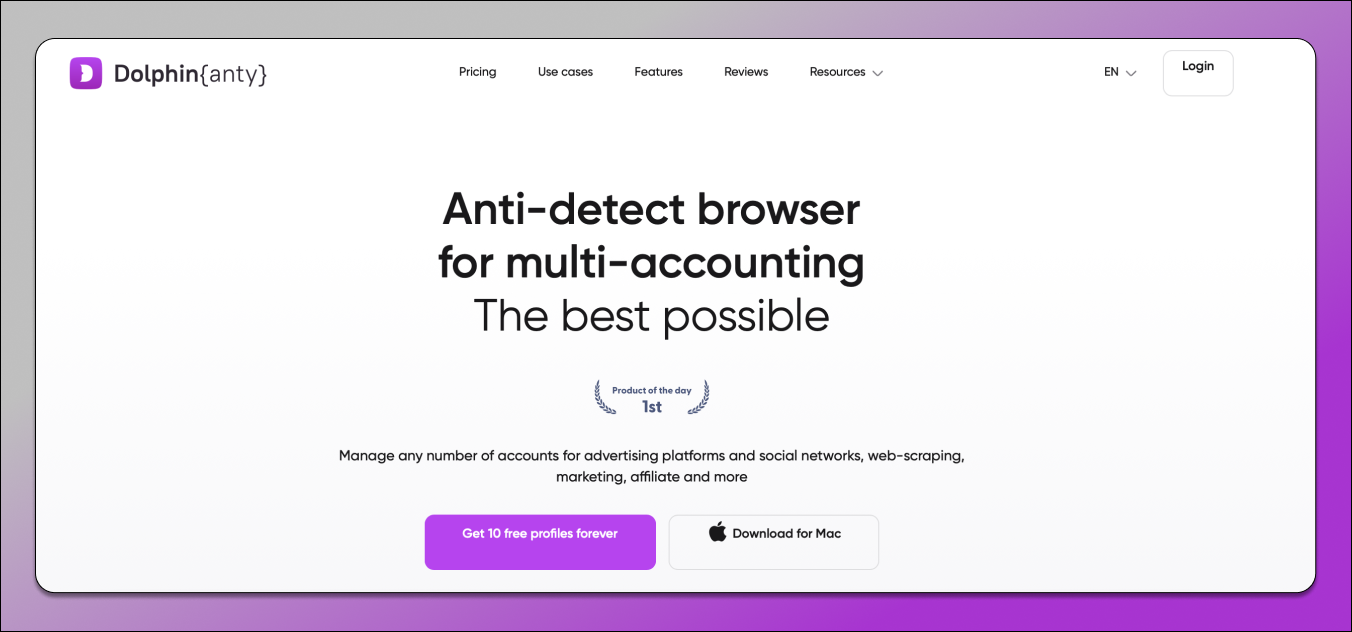
Dolphin{anty} was built by affiliate marketers who needed to manage hundreds of accounts across international teams · which makes it the most operationally aligned anti-detect browser for OFM agencies. The status board system (Ready / Warming Up / Under Review / Flagged), Smart Paste for human-like typing behavior, and real-time cloud sync between a manager in Paris and chatters in Manila are features that no other browser in this comparison matches for day-to-day team operations.
Free tier: 10 profiles permanent · the most generous free plan in the category. Paid from: ~$89/mo for 100 profiles.
- Status/Tags/Notes dashboard
- 10 free profiles permanent
- Smart Paste · human typing sim
- Cloud sync cross-timezone
- Cookie JSON/Netscape import
- Team access without password exposure
- Most expensive at 100+ profiles
- No RPA automation (basic Scenarios only)
- No Synchronizer
- July 2024 incident (resolved)
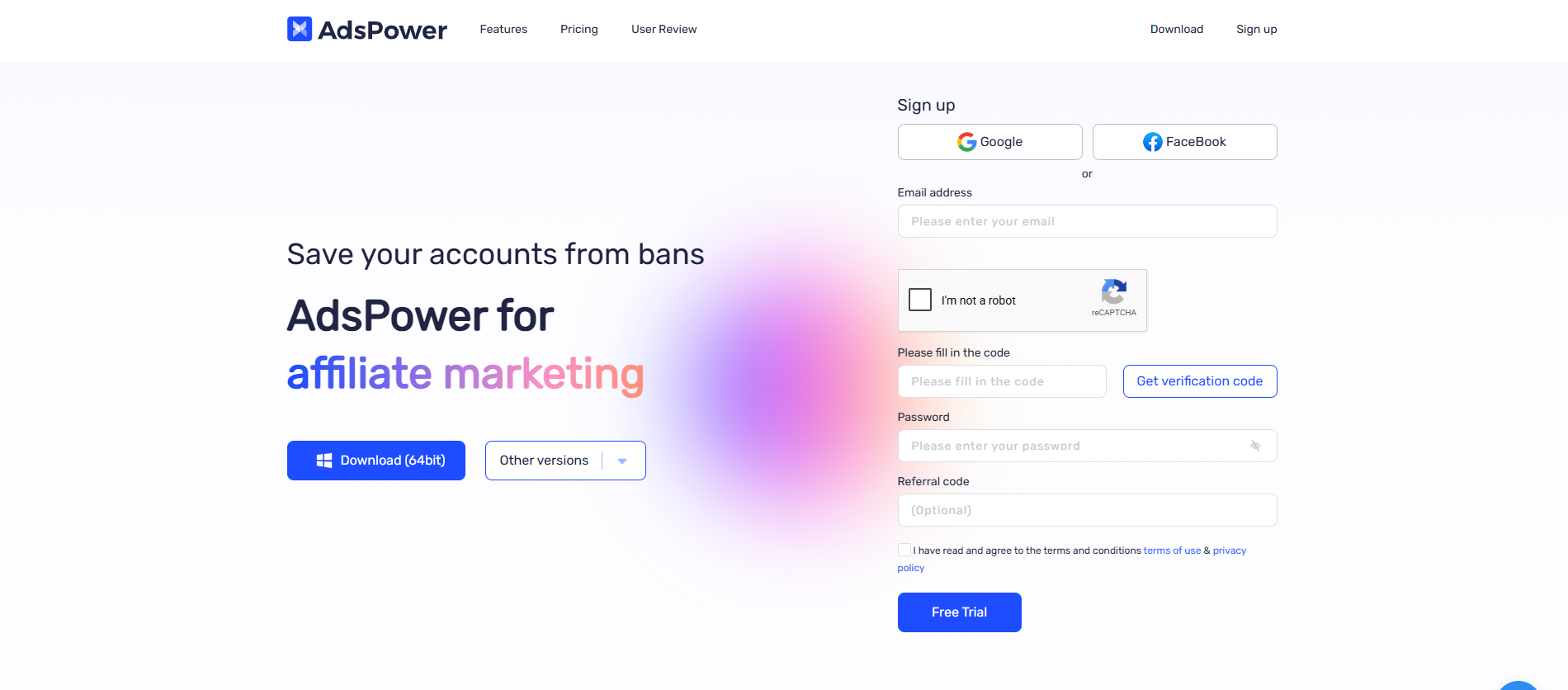
AdsPower is the automation-first anti-detect browser. Its RPA (Robotic Process Automation) engine · a drag-and-drop no-code workflow builder · allows one person to do the promotional work of three VAs across 50 Reddit and Twitter accounts simultaneously. The Synchronizer mirrors mouse and keyboard actions across multiple open profiles in real time. For large agencies running active ToF promotion alongside creator account management, AdsPower’s automation depth is unmatched at its price point ($5.4/mo for 10 profiles).
Free tier: 2 profiles. Paid from: $5.4/mo (10 profiles) · cheapest cost-per-profile in the category.
- Full no-code RPA automation
- Synchronizer (mass actions)
- Cheapest cost-per-profile
- Dual engine: Chrome + Firefox
- Cookie Robot (warm-up)
- SOC 2 Type II certified (post-2025)
- Steepest learning curve
- Dense UI · complex for non-technical VAs
- Jan 2025 security incident (resolved)
- Only 2 free profiles
with code ofmtools →
GoLogin is the easiest anti-detect browser to set up and maintain. For OFM agencies in their first 6–12 months · managing 1–10 creators, building their chatter team, establishing operational processes · GoLogin eliminates the setup friction that slows down Dolphin{anty} and AdsPower onboarding. The Cloud Launch feature is uniquely useful for emergency account access: open any of your profiles from any browser on any device without installing software.
Free tier: 3 profiles. Paid from: ~$24/mo (100 profiles). Trial: 7-day full-feature free trial.
- Easiest setup in the category
- Cloud Launch · any device access
- 7-day free trial (all features)
- $24/mo for 100 profiles (good value)
- Clean modern UI
- Only 3 free profiles
- No RPA automation
- No Synchronizer
- Weaker team workflow vs Dolphin
Multilogin is the premium enterprise tier of anti-detect browsers · the choice when the value of the accounts under management justifies maximum technical investment. Its Mimic (Chrome-based) and Stealthfox (Firefox-based) browsers have the most sophisticated fingerprint isolation available, and the platform’s track record with Fortune 500-level clients signals a security posture that no other option in this comparison matches. For OFM agencies managing accounts where a single ban represents $10,000+ in monthly revenue loss, Multilogin’s isolation quality is the correct risk management choice.
Free tier: None (paid trial only). Paid from: ~$19/mo · no free plan, no built-in RPA.
- Most sophisticated fingerprint engine
- Dual browser engines (Mimic + Stealthfox)
- Enterprise security track record
- Selenium/Puppeteer/Playwright API
- No free plan
- No built-in RPA
- No Synchronizer
- Most expensive option
- Weaker team workflow vs Dolphin
Choosing by Agency Scale: The 4-Tier Framework
| Scale | Profile | Recommended | Why |
|---|---|---|---|
| 1–5 creators | Solo / Starting out | GoLogin | Easiest setup, 7-day free trial, Cloud Launch for emergency access. Don’t over-engineer at this stage. |
| 5–20 creators | Growing agency | Dolphin{anty} | Status boards, VA access control, cross-timezone sync. Team workflow becomes the constraint at this scale. |
| 20–50 creators | Established agency | Dolphin + AdsPower | Dolphin for creator accounts (workflow). AdsPower for ToF promo (RPA automation). Split-stack approach. |
| 50+ creators | Whale agency | Multilogin or AdsPower | Maximum fingerprint isolation (Multilogin) or maximum automation scale (AdsPower). Budget dependent. |
Managing VAs: Delegate Without Giving the Keys
The most common internal security failure in OFM agencies is the credential handoff. Agency owner sends username and password to a chatter in the Philippines. Chatter can now access payout settings, banking information, and account recovery options. This is not a trust problem · it’s an architecture problem. The solution is profile-level access, not credential-level access.
Every browser in this comparison supports profile sharing where chatters can open and use a creator’s logged-in session without ever seeing the raw credentials. Here’s how each handles it:
- Dolphin{anty}: Three-tier role system (Admin / User / Viewer). User-level chatters open profiles and work the inbox. Cannot modify proxy/fingerprint settings, cannot export cookies. Explicit permission model.
- AdsPower: Granular team permissions with full action logging. Every IP change, every login, every profile export is recorded against the team member’s credentials. Forensic audit trail.
- GoLogin: Profile sharing with team members. Chatters see assigned profiles only. Cannot access the account management dashboard.
- Multilogin: Enterprise sub-account management with zone-level access control. Most sophisticated permission architecture in the category.
Hardware Requirements: RAM and Performance
Every anti-detect browser runs each profile as a separate Chromium process. RAM consumption scales linearly with open profiles. This is not avoidable · it’s how profile isolation works. Understanding your hardware limits prevents the most common OFM performance failure: chatters complaining about lag during peak hours.
For chatter laptops, 8GB is acceptable if chatters work one creator at a time (standard shift structure). For agency managers who need to review multiple accounts simultaneously, 16GB minimum. See our Best Laptops for OFM Management guide for specific hardware recommendations.
The Total Stack: Why a Browser Without Good Proxies Is Worthless
An anti-detect browser with a datacenter IP is a fingerprint-isolated profile that still looks like suspicious server traffic at the network layer. The two layers must work together. A perfect Dolphin{anty} fingerprint configuration with a recycled datacenter proxy gets flagged. A perfect NodeMaven ISP proxy without fingerprint isolation gets chain-banned. Our VPN guides for OnlyFans cover the other half of that stack.
For creator accounts (OnlyFans logins): use ProxyWing ISP proxies ($1.80/IP/month, static, residential ASN). For ToF promotional accounts (Reddit, Twitter): use NodeMaven residential rotating ($1.00/GB) or ProxyWing residential. For whale agencies (50+ creators): consider Bright Data for subnet diversity at scale.
FAQ
GoLogin for absolute beginners · easiest setup, 7-day full-feature trial, Cloud Launch for emergency access. Dolphin{anty} if you already have chatters, because the free 10-profile plan is more generous and the team access features are stronger. Don’t use AdsPower or Multilogin at this scale · the complexity isn’t justified until you’re managing 20+ creators or running active automation campaigns.
Yes, when properly configured and paired with quality proxies. AdsPower’s SunBrowser (Chrome-based) and FlowerBrowser (Firefox-based) kernels are hardened Chromium builds that appear as standard browsers to fingerprinting systems. The detection risk comes not from the browser brand but from misconfiguration · specifically from poor proxy quality (datacenter ASNs, recycled IPs with high fraud scores) and from leaving WebRTC unprotected. A well-configured AdsPower profile with a clean ISP proxy and WebRTC set to Altered is effectively undetectable.
Chrome profiles share the same underlying device fingerprint · Canvas rendering, WebGL signatures, font enumeration, hardware IDs. They are isolated at the cookie/session level but not at the fingerprint level. If OnlyFans detects suspicious activity on one Chrome profile, it can immediately identify all other profiles on the same device through shared fingerprint signals and apply restrictions across the portfolio. Anti-detect browsers generate a completely independent fingerprint for each profile, making accounts invisible to each other at the platform’s detection layer.
Yes, and it’s the recommended approach · with strict profile separation. One Dolphin{anty} or AdsPower profile per creator ecosystem: one profile for the OnlyFans account, a separate profile for that creator’s Twitter promo account, a separate profile for the Reddit promo account. Never share a profile between a creator account and a promo account. This creates a coherent behavioral fingerprint per “identity” rather than mixing a creator’s identity with a promotional persona on the same session history.
Defaults are safe and recommended for most OFM use cases. The anti-detect browsers in this comparison generate internally consistent fingerprints automatically · the Canvas, WebGL, AudioContext, and font signals are coherent with the declared OS and browser version without manual tuning. Where manual configuration is required: (1) WebRTC must be set to “Altered” to prevent IP leak · this is not always a default setting and must be checked. (2) Hardware Acceleration should be disabled to prevent GPU-level rendering leaks. Everything else can be left at defaults unless you have specific technical requirements.